Upload Your Files
How to Use AutoDocx
This simple web application allows you to generate Word documents from a CSV file using a customizable template. Here's how to use it:
Creating Your Template Document
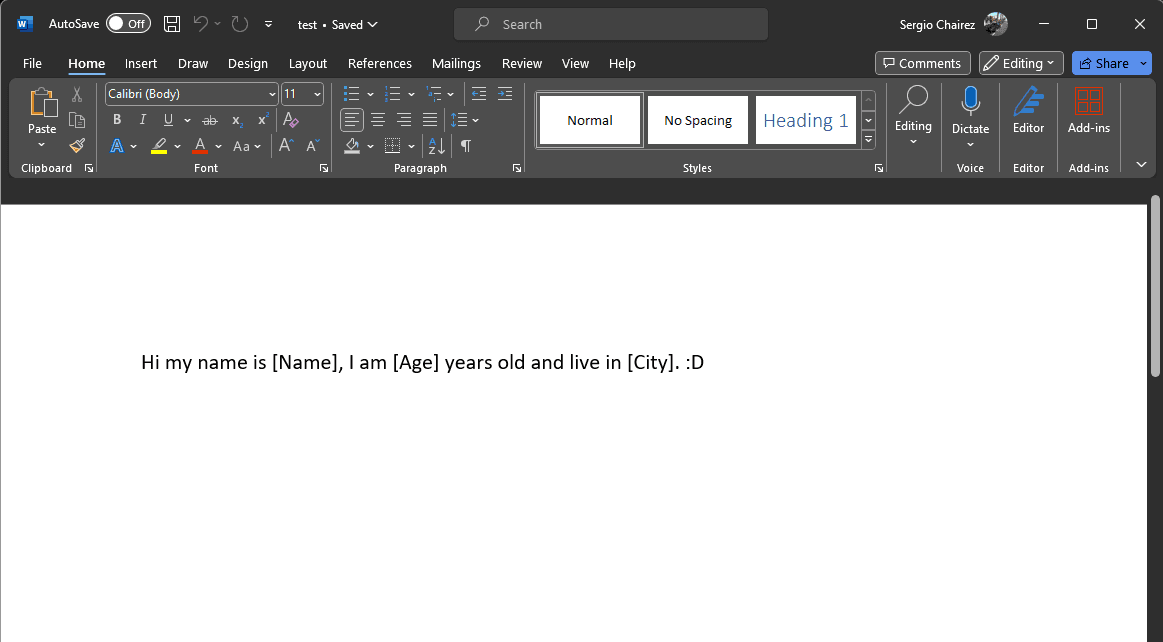
Your template document should be a Word file (.docx) with placeholders that correspond to the keys in your CSV file's first line. Placeholders should be enclosed in square brackets. For example, if your CSV has a column named 'Name', use '[Name]' in your template where you want the name to appear.
Preparing Your CSV File
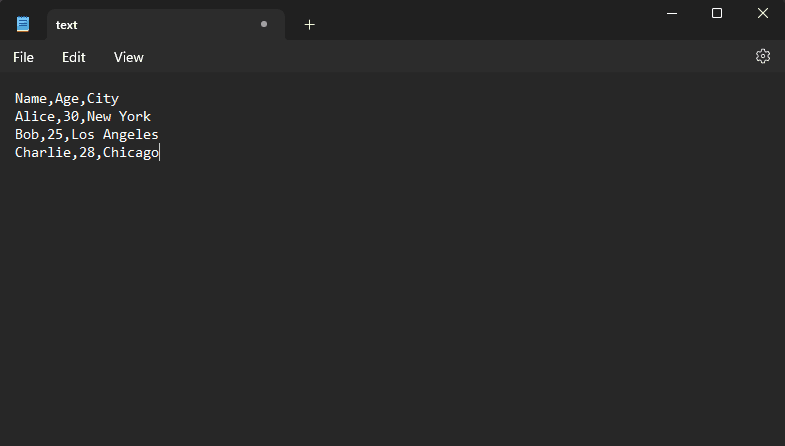
The CSV file should have a header row with keys that match the placeholders in your template. Each subsequent row in the CSV file will generate a new document. Make sure the values in the CSV match the placeholders in your template.